
Chat automation
Looomy Is Here: Your Guide to Getting Started
Meet Looomy and set up your first YouTube Live with grounded AI answers, chat commands, on-stream Companions and more. Includes an optional Nightbot import walkthrough.
Creator field notes
Practical field notes on live-chat automation, browser-source experiences and building a community people return to.
Start here
Editor's note / 13 minMeet Looomy and set up your first YouTube Live with grounded AI answers, chat commands, on-stream Companions and more. Includes an optional Nightbot import walkthrough.
How to add Nightbot to your YouTube live stream, why it only joins public live streams, which Nightbot commands do not work on YouTube, and when a YouTube-first bot fits better.
20 ready-to-use Nightbot timer messages for YouTube Live and Twitch, with interval and chat-line settings that keep timers useful instead of spammy, and how to rotate messages.
A list of 30 copy-paste Nightbot commands for YouTube Live and Twitch: shout-outs, lurk, 8ball, dice, counters and more, each with the one chat line that adds it.
Learn command variables one example at a time: what to save, what a viewer types, and what Looomy replies. Copy variables directly from each explanation.
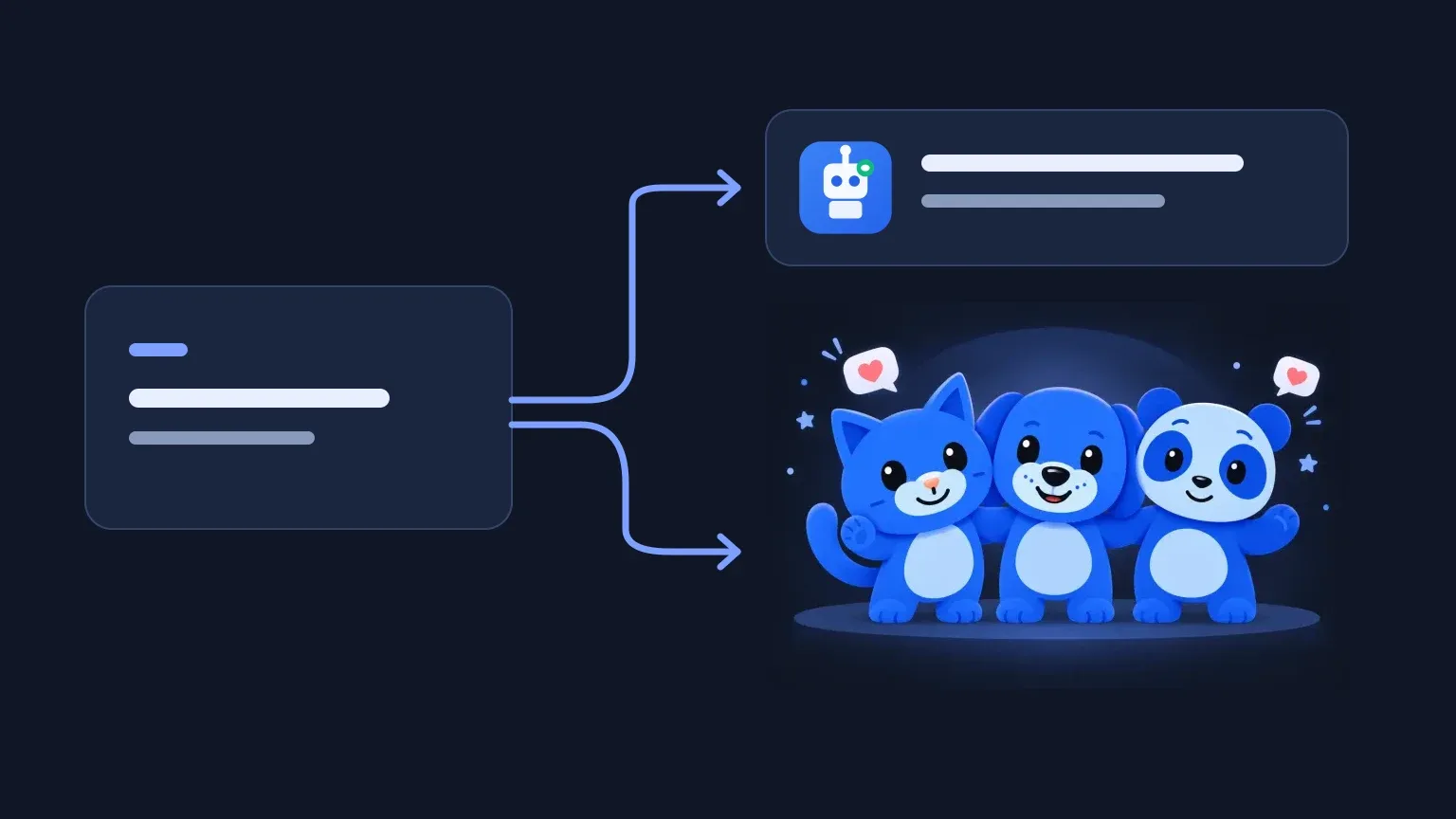
Create useful chat commands, add alternative triggers, choose who can use them, and connect Companion reactions and Party Popper effects to the same command.
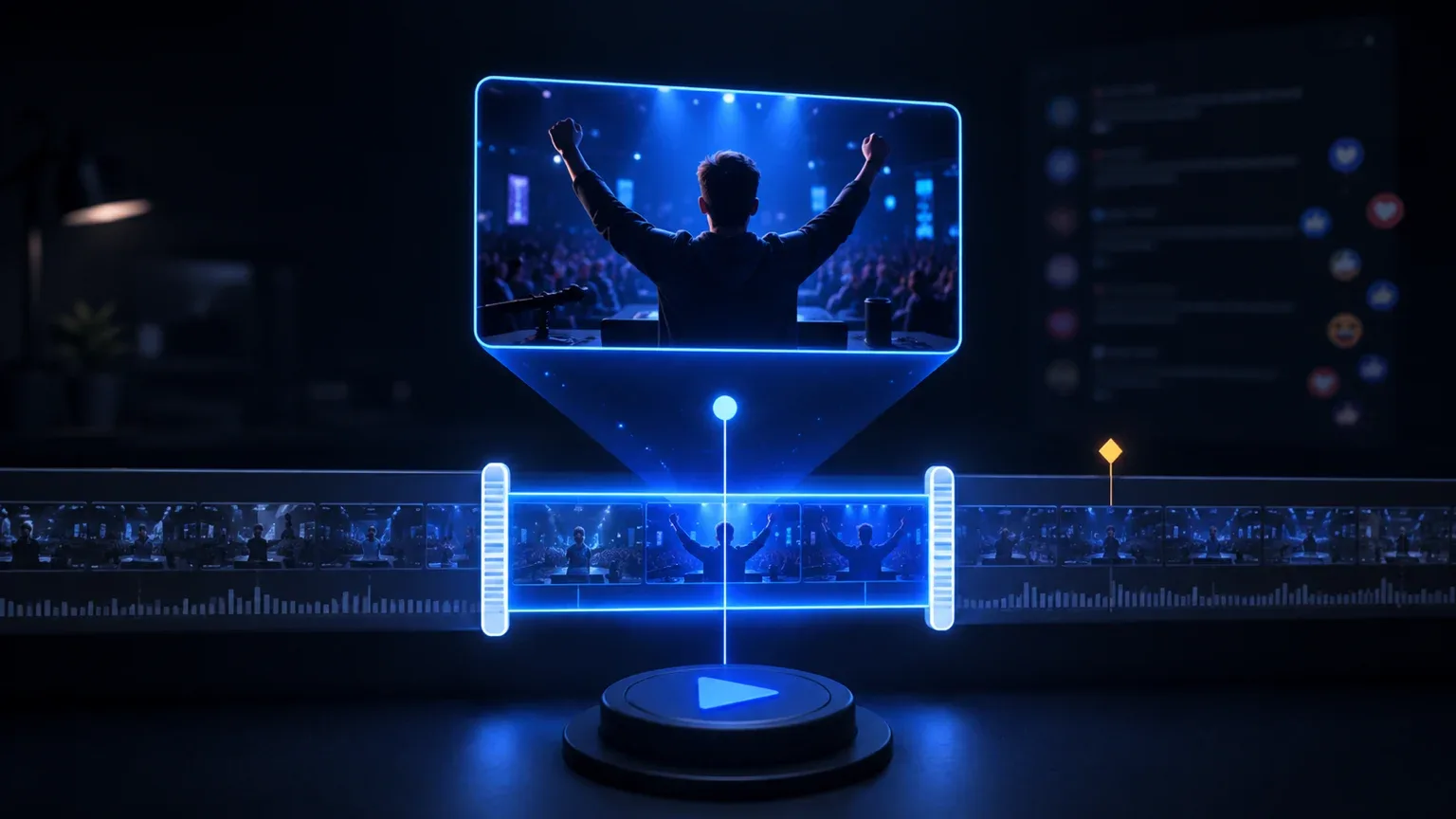
Learn how to mark YouTube live-stream moments as they happen, refine exact timestamps later, and turn a long broadcast into usable highlights.
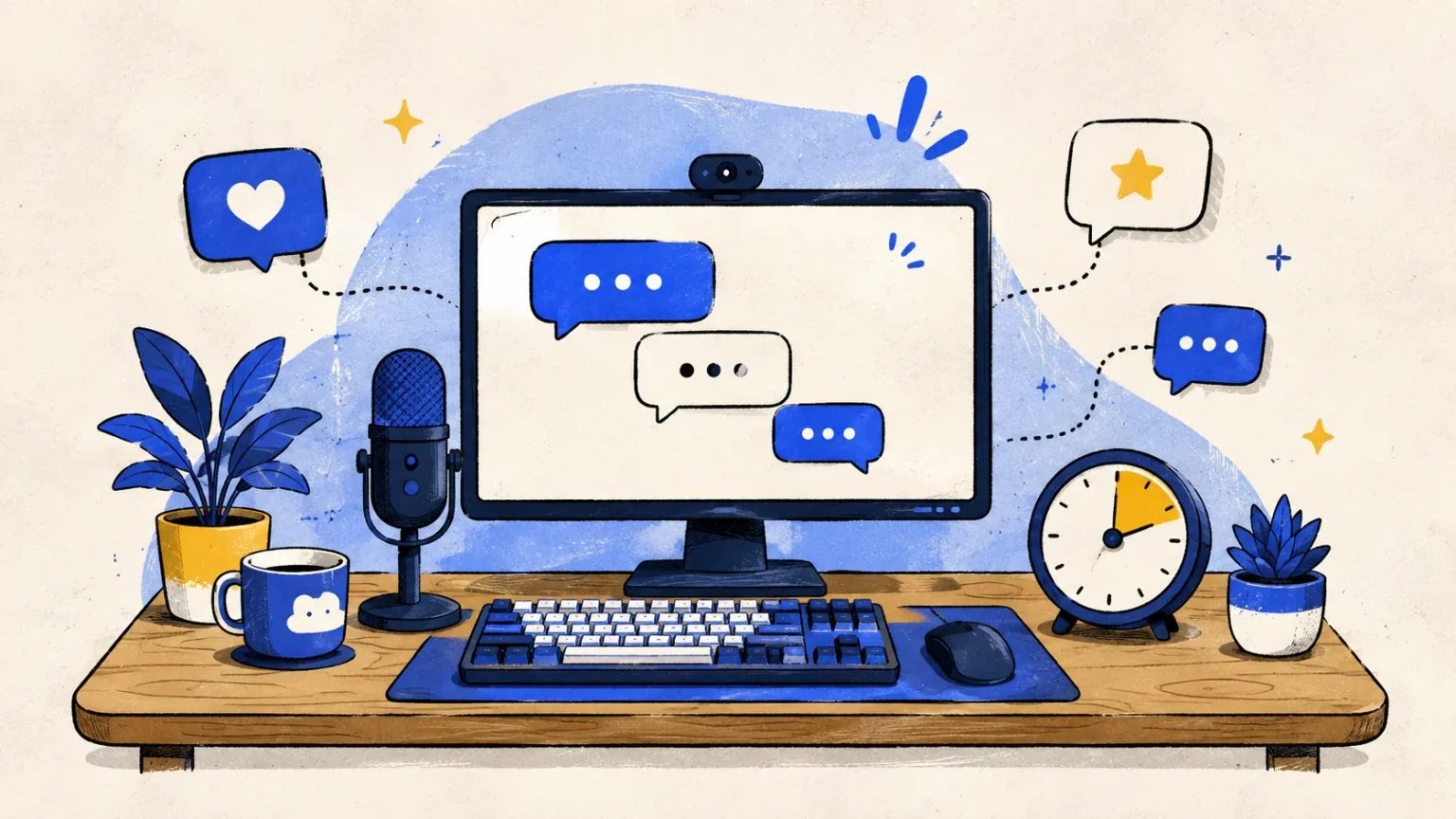
Build a useful YouTube live-chat setup with five copyable command responses, one starter timer, sensible cooldowns and a pre-stream testing checklist.

A practical migration checklist for reviewing commands, timers and trusted viewers before moving a live community away from Nightbot.
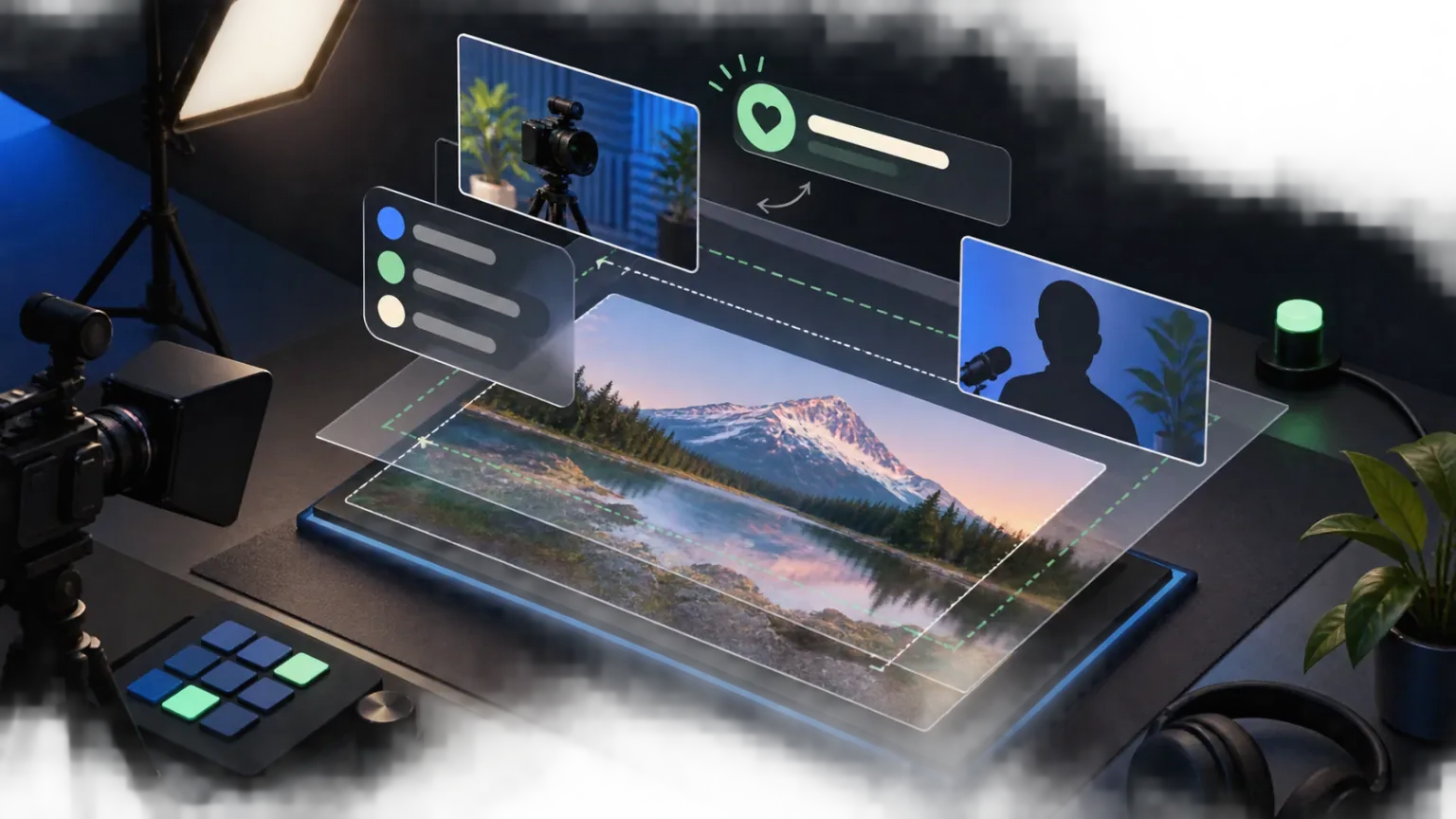
Learn how browser-source overlays work, how to size and test them, and how to keep on-stream visuals reliable across broadcast software.

A creator-focused explanation of approved knowledge, document retrieval and why a live assistant should stay silent when context is weak.