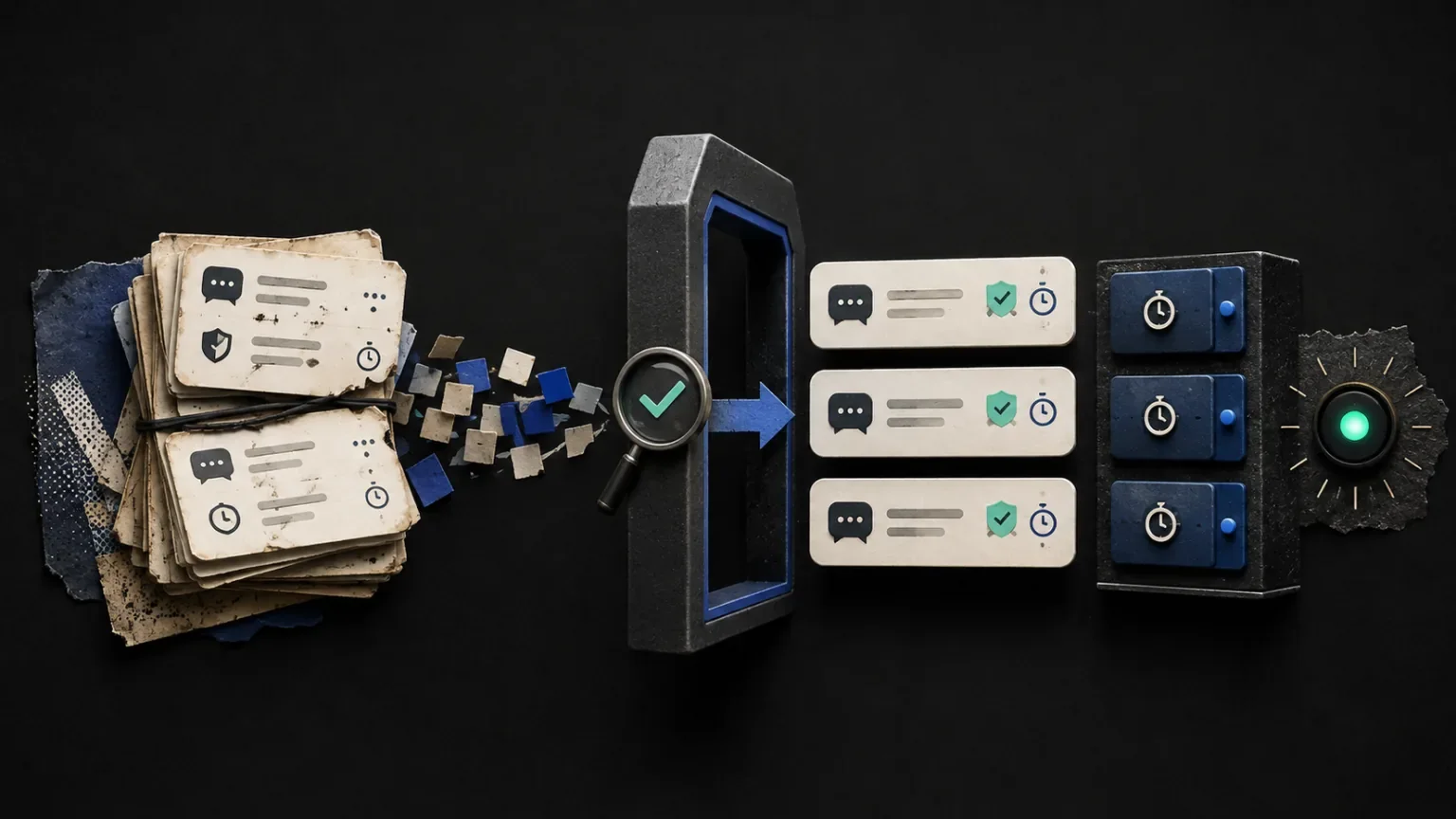
Moving a live community from one chat bot to another is not a copy-and-paste job. A command list may look simple, but it contains years of habits: the links moderators reach for, the cooldowns that stop spam, the timers viewers recognize and the permissions that keep sensitive actions out of the wrong hands.
The safest migration is a review, not a blind import. The goal is to preserve the useful parts of your live chat while leaving old assumptions behind.
Start with an inventory, not an export
Before connecting anything, write down what the current bot actually does during a stream. Separate the inventory into four groups:
- commands viewers use themselves;
- moderator-only commands;
- scheduled messages or timers;
- regulars and other trusted community roles.
This quickly reveals the difference between configuration that exists and configuration that still matters. A command created for a sponsorship two years ago should not quietly return because it happened to be present in an export.
Record the command trigger, response, permission and cooldown. For timers, also record how often they run and whether they should stay quiet when the room is inactive. This inventory becomes the acceptance checklist for the migration.
Review every imported command
A migration should show you what it understood before it writes anything. In Looomy, the Nightbot connection belongs to onboarding, while the imported work belongs to the creator workflows it powers. Compatible commands, command-backed timers and regulars can be reviewed as individual items before import.
Pay particular attention to responses containing:
- outdated social links;
- expired discount codes;
- references to an old schedule;
- commands that reveal private moderator information;
- variables whose behavior differs between platforms;
- nested commands or aliases.
If an item cannot be represented safely, it should be marked as changed or unsupported. Silent rewriting makes a migration feel fast until the first live stream exposes the difference.
Treat permissions as part of the content
The words in a command are only half of its behavior. Permissions decide who can make those words appear.
A command that changes an overlay, marks a clip or performs another creator-owned action deserves a stricter policy than a command that shares a public link. Preserve moderator-only boundaries and deliberately reconsider commands available to everyone.
Cooldowns matter for the same reason. A useful answer becomes noise when ten viewers can trigger it at once. Begin with the existing cooldown, then adjust after observing a real stream rather than guessing during setup.
Test in a quiet room first
Do not make the first production stream your migration test. Use an unlisted stream or a short community test and ask a moderator to run through the inventory.
Check these behaviors:
- Every important trigger produces the expected response.
- Moderator-only commands reject ordinary viewers.
- Cooldowns prevent repetition without making the command feel broken.
- Timers wait for appropriate activity instead of interrupting silence.
- Links open the intended current destination.
- Commands stay within the platform message limit.
Test similar names as well. !social, !socials and !social-links may all exist, but only one may be part of the community's current vocabulary.
Introduce the new workflow to moderators
Moderators should know what changed before viewers discover it. Give them a short note containing:
- the commands that were retained;
- the commands that were renamed or removed;
- any new permission rules;
- where failed or questionable responses should be reported;
- how to mark a useful stream moment if clip commands are enabled.
This does not need to become a handbook. A concise change list is enough to make moderators confident and gives you a second pair of eyes during the first stream.
Keep the rollback window simple
Avoid deleting the old configuration immediately. Keep a read-only export until the new setup has survived several real streams. It is useful for comparison even if you never roll back.
At the same time, avoid running two bots with the same active commands. Duplicate replies are confusing and can make the migration appear less reliable than either system actually is. Choose one responder for the test window and keep the old data only as a reference.
What a successful migration looks like
The best migration is uneventful. Viewers continue using familiar commands, moderators understand the new boundaries and obsolete automation quietly disappears. Behind the scenes, you gain a cleaner base for activity-aware timers, grounded answers and the rest of your live-chat workflow.
If you are preparing a move, begin by connecting Nightbot and reviewing the report. Import only the items you would intentionally create today—not everything history happened to leave behind.